Tour

Every view, in light and dark.

Each image below is a real capture of Beacon running locally against a made-up company, StrataForge Robotics. The contacts, campaigns, posts, and numbers are fictional, and nothing was sent anywhere to take them. Switch the site theme and the screenshots follow. Beacon is coming soon and is not open to customers yet. The campaign and segment builders, the experiment page's per-variant numbers, and the outreach screens are not shown, because they are not finished.

Illustration: paper sky lanterns rising into a dark sky over an empty field, one lantern higher and brighter than the rest.

Dashboard

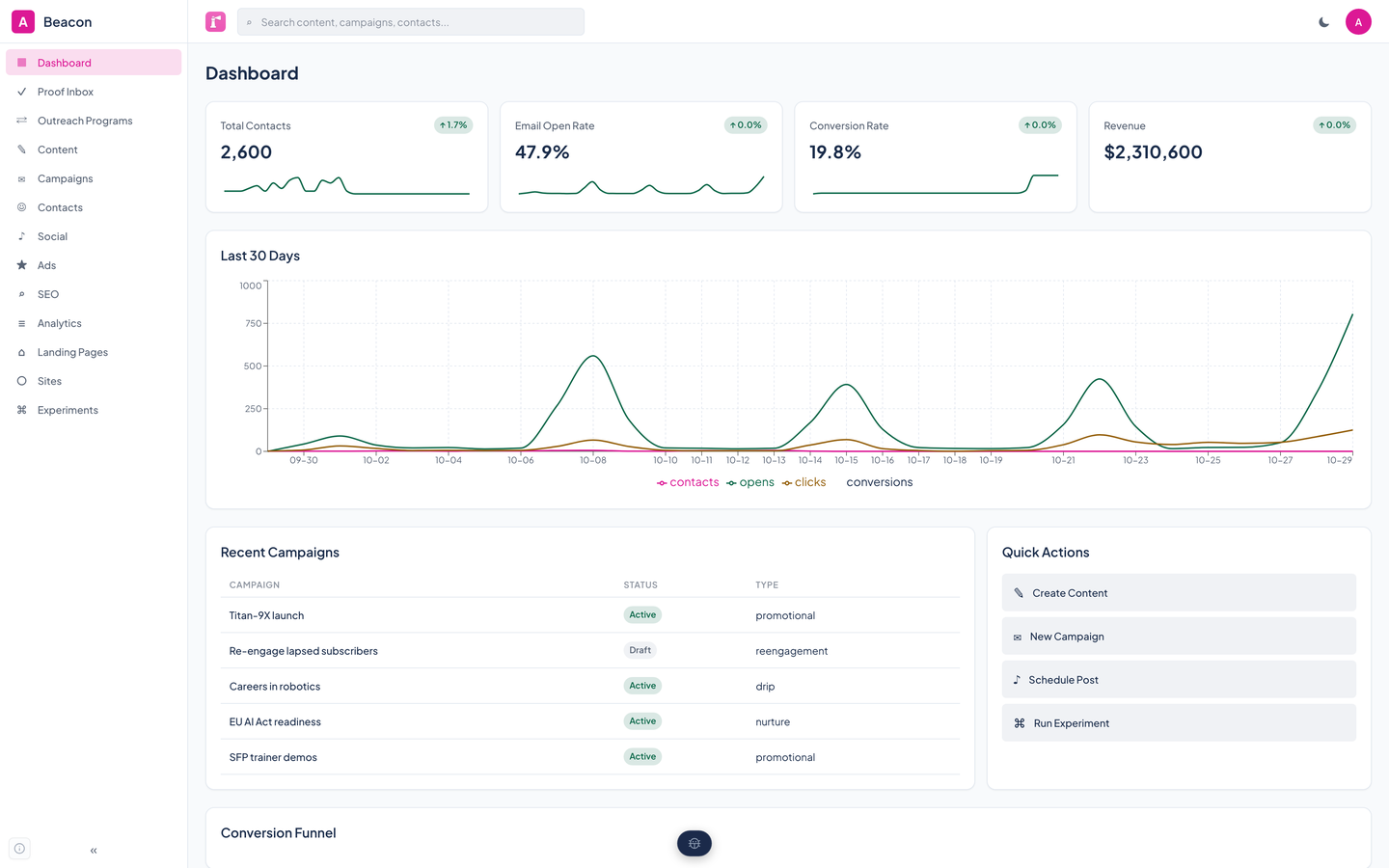
Beacon's dashboard: four metric cards, a 30-day line chart of contacts, opens, clicks, and conversions, recent campaigns, and quick actions.Beacon's dashboard: four metric cards, a 30-day line chart of contacts, opens, clicks, and conversions, recent campaigns, and quick actions.
Contacts, open rate, conversion rate, and revenue at the top, a 30-day trend under them, then your recent campaigns and four quick actions. Enlarge to see the full screen.

Content library

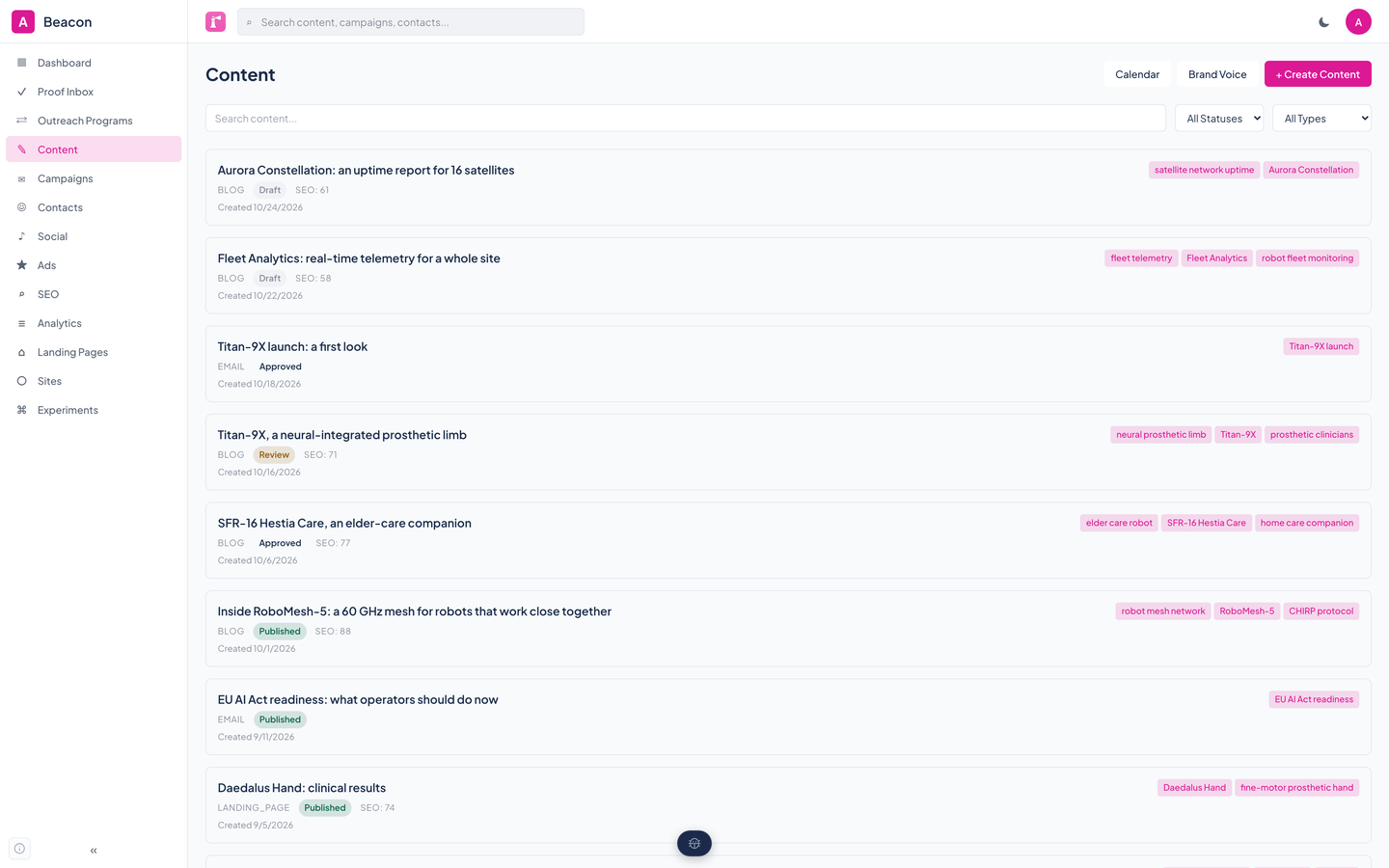
Beacon's content library: a list of StrataForge articles and emails with status badges, SEO scores, and keyword tags.Beacon's content library: a list of StrataForge articles and emails with status badges, SEO scores, and keyword tags.
Every blog post, email, and landing page with its status, SEO score, and target keywords. Drafts, items in review, approved pieces, and published ones sit side by side.

Campaigns

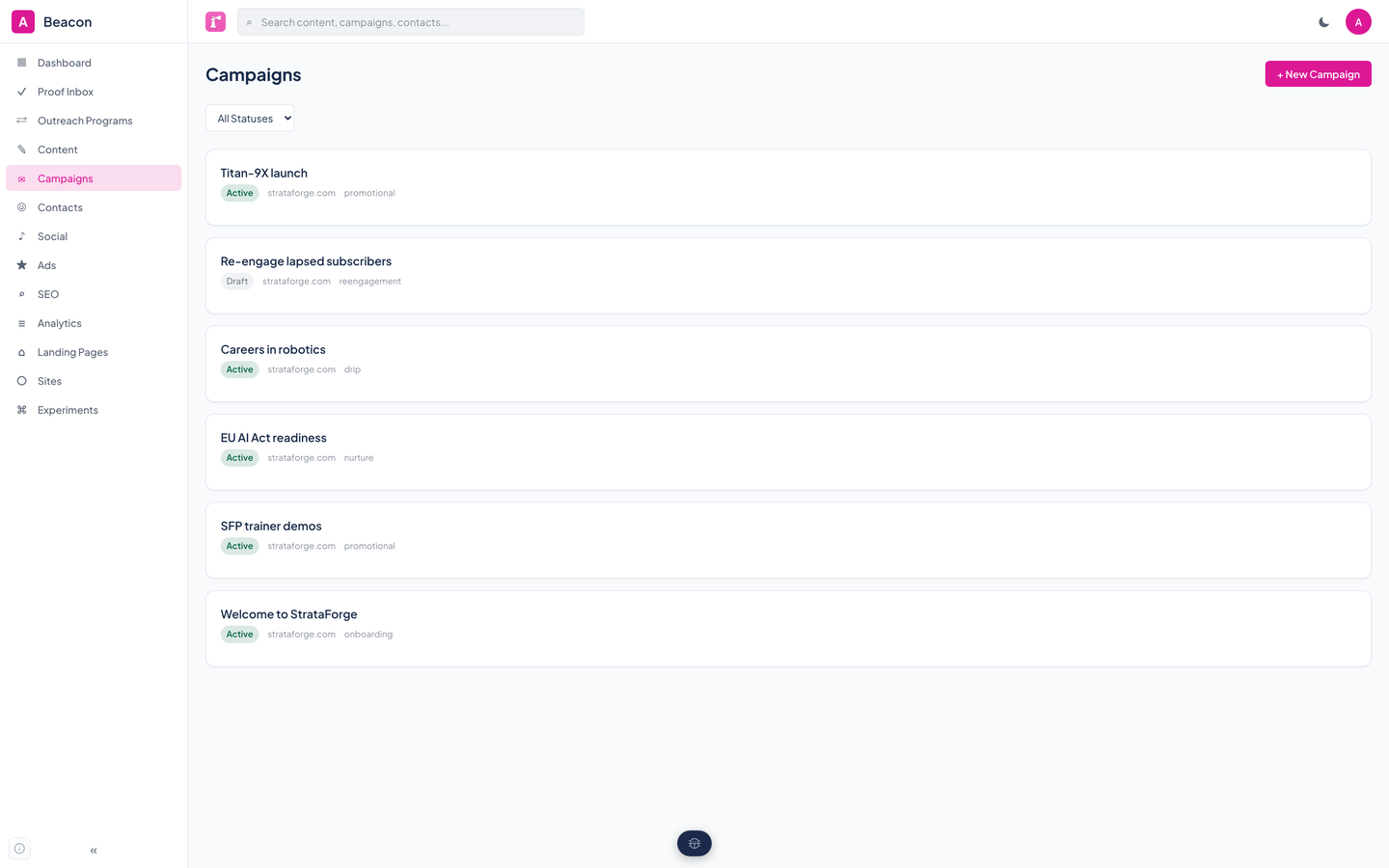
Beacon's campaigns list with five active campaigns and one draft, each labeled with its type.Beacon's campaigns list with five active campaigns and one draft, each labeled with its type.
Each email sequence with its status, brand property, and type. Five are running and one is still a draft.

Contacts

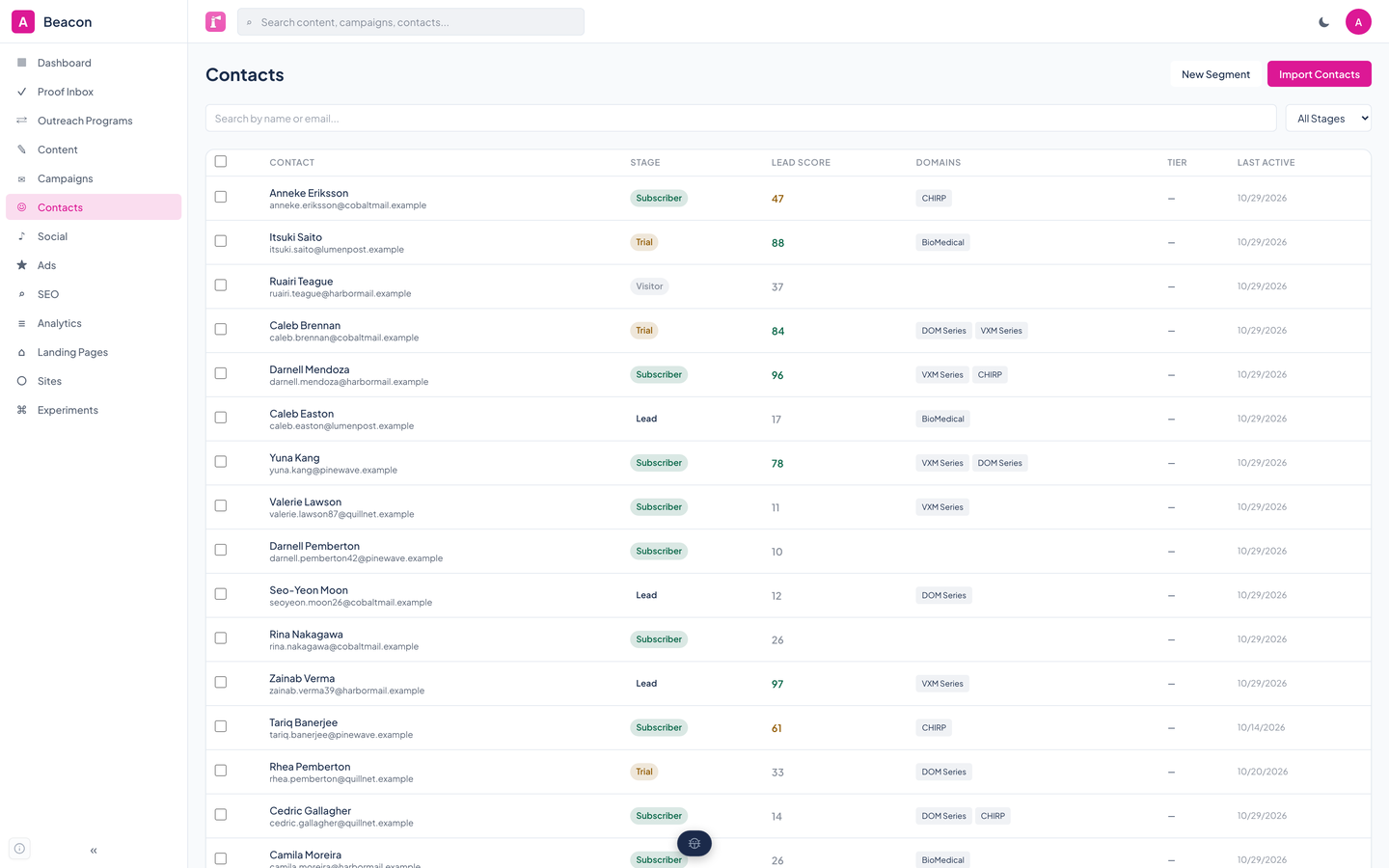
Beacon's contacts table with names, email addresses, lifecycle stages, lead scores, product interest tags, and last activity dates.Beacon's contacts table with names, email addresses, lifecycle stages, lead scores, product interest tags, and last activity dates.
The audience in one table: lifecycle stage, lead score, product interests, and when each person was last active. The count is 2,600.

Social calendar

Beacon's social calendar for October, with published posts shaded and upcoming scheduled posts in the following days.Beacon's social calendar for October, with published posts shaded and upcoming scheduled posts in the following days.
Posts that went out and posts scheduled for the days ahead, laid out on a month calendar.

Analytics

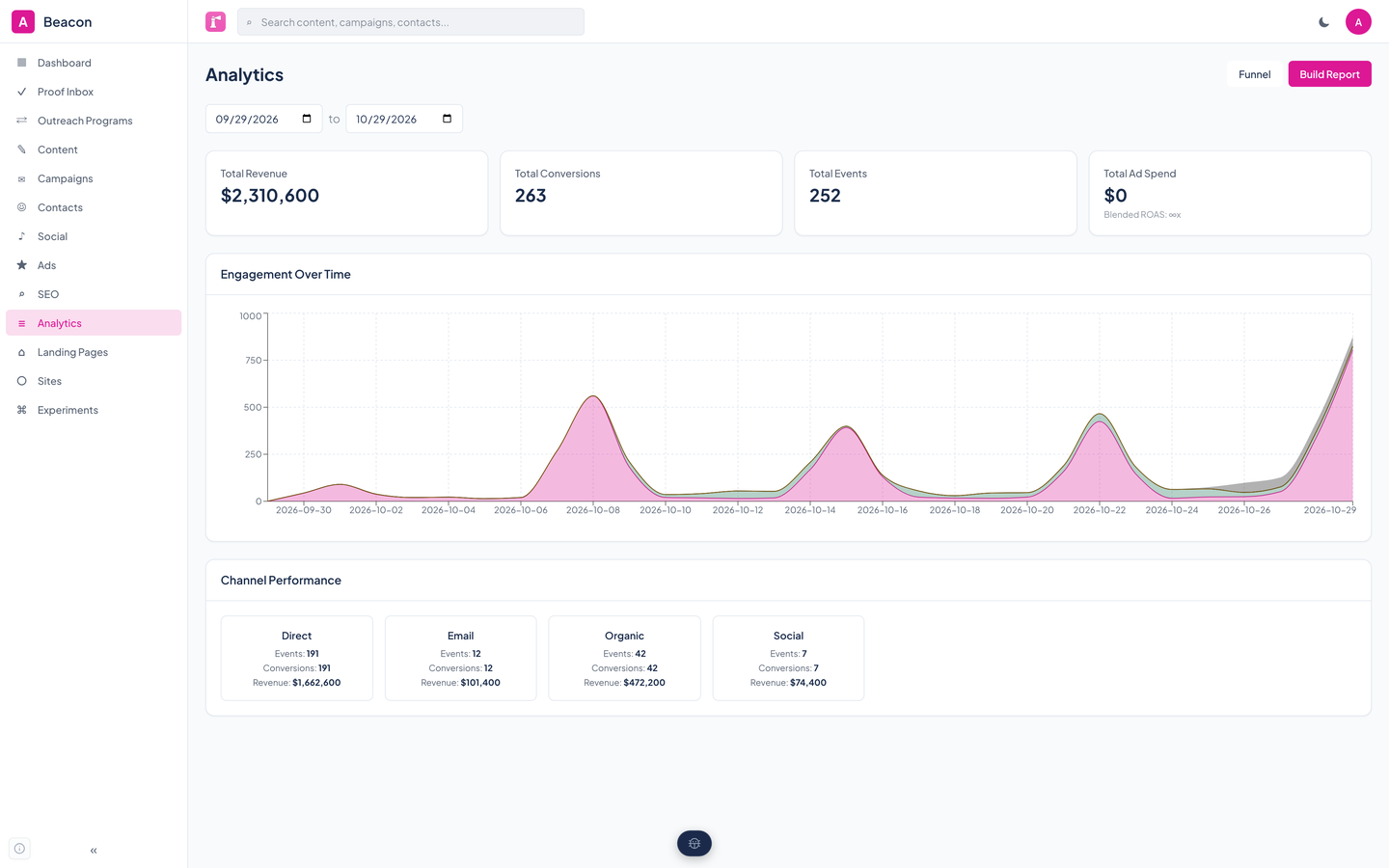
Beacon's analytics page with total revenue and conversions, a stacked engagement chart, and a card for each channel.Beacon's analytics page with total revenue and conversions, a stacked engagement chart, and a card for each channel.
Revenue, conversions, and events for a date range, an engagement chart over time, and how each channel performed.

Landing pages

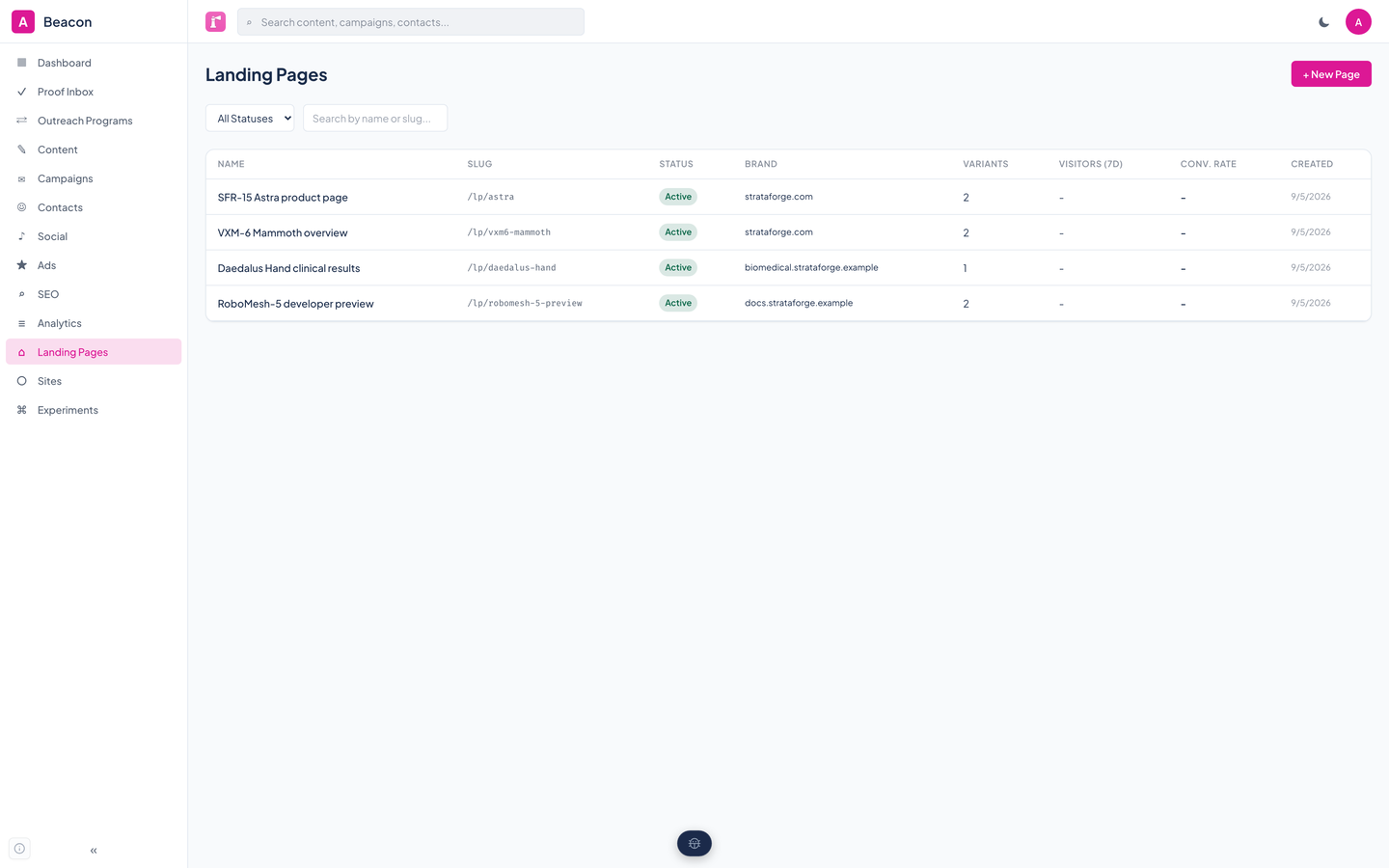
Beacon's landing pages table listing four pages with slugs, active status, brand properties, and variant counts.Beacon's landing pages table listing four pages with slugs, active status, brand properties, and variant counts.
Every page with its slug, status, brand, and how many variants it carries.

A landing page report

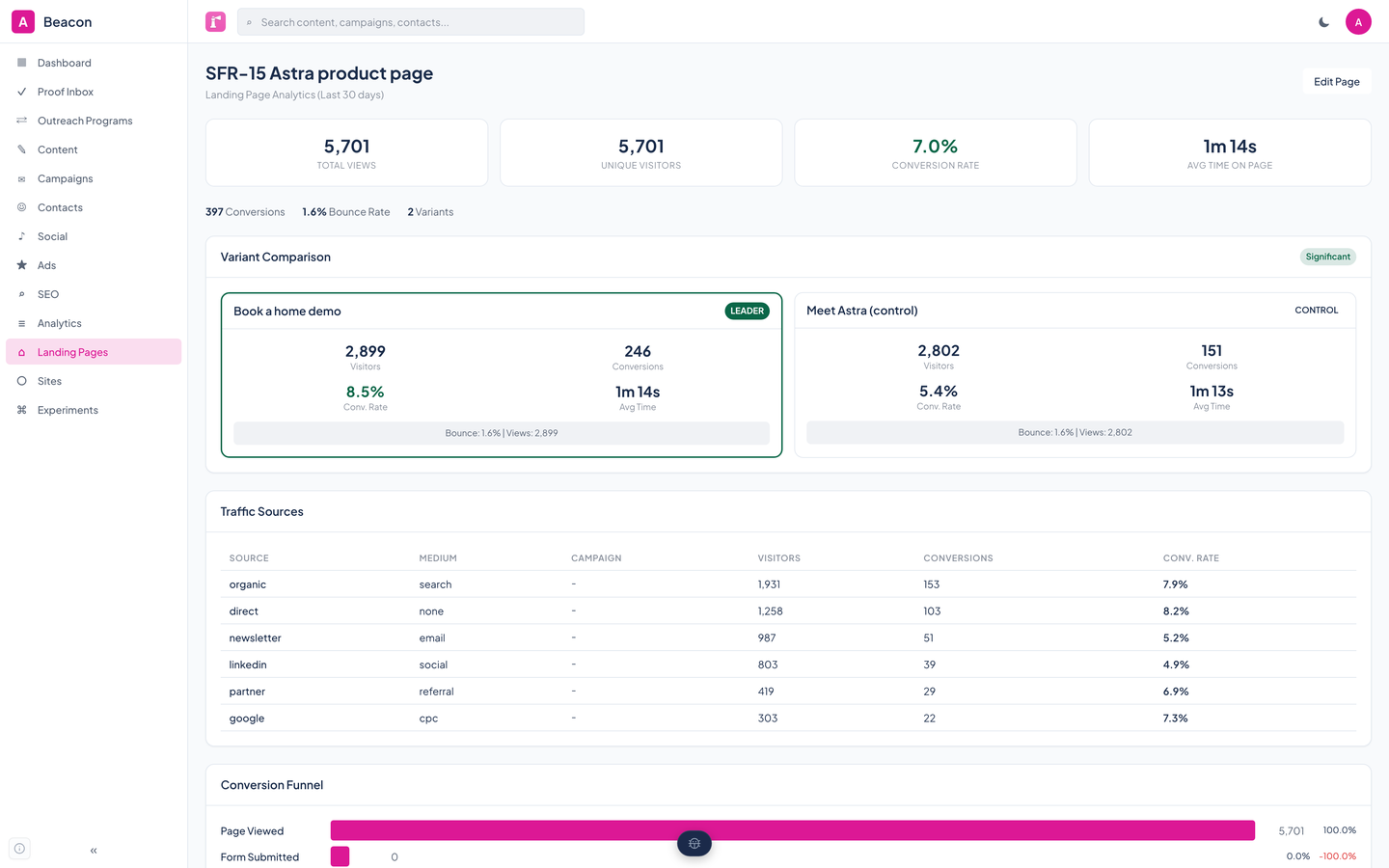
Beacon's report for one landing page, comparing two variants by visitors, conversions, and conversion rate, with one marked as leader.Beacon's report for one landing page, comparing two variants by visitors, conversions, and conversion rate, with one marked as leader.
Views, visitors, conversion rate, and time on page, then the variants side by side, with the leader marked.

Experiments

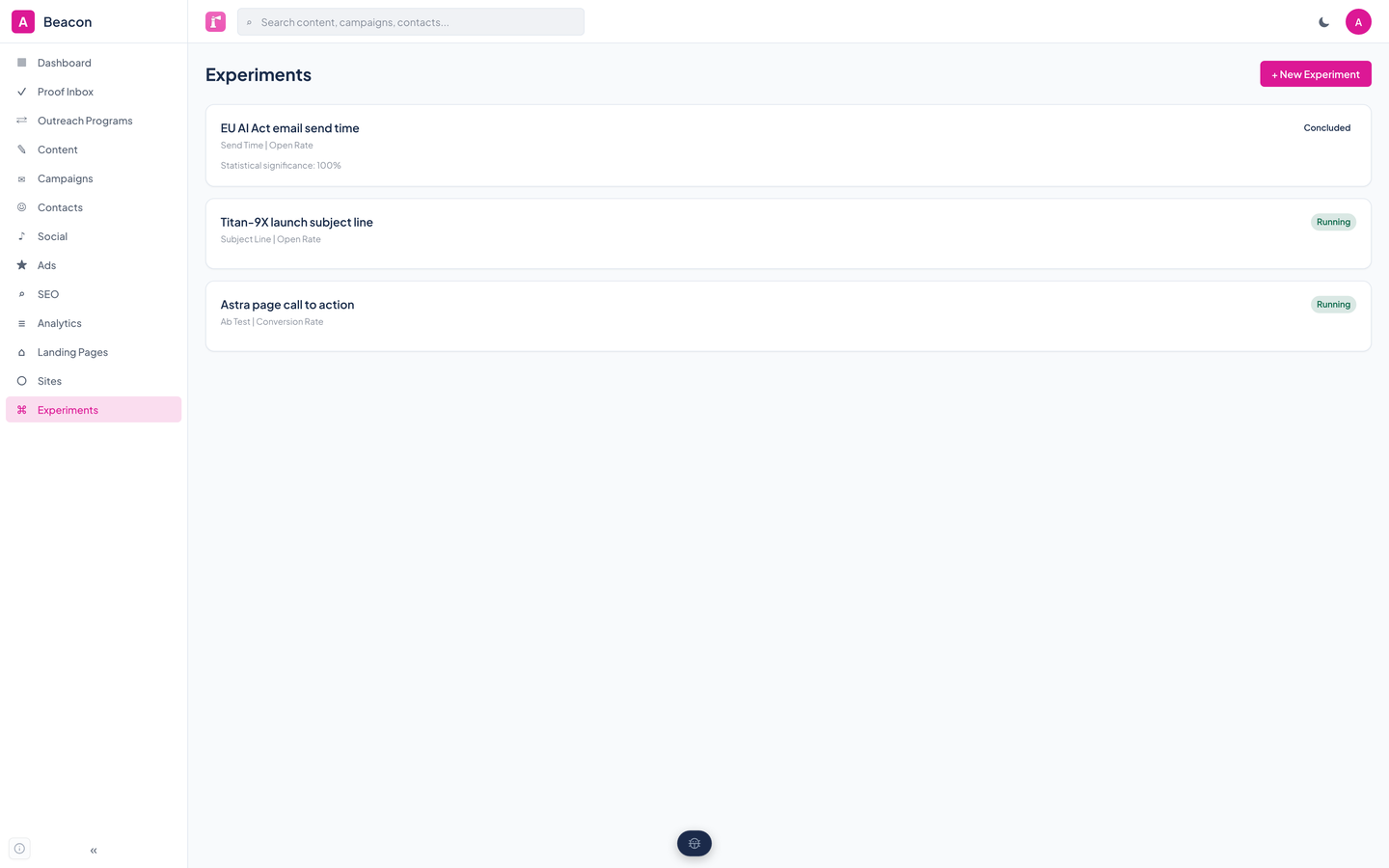
Beacon's experiments list with one concluded send-time test and two running tests.Beacon's experiments list with one concluded send-time test and two running tests.
Running and concluded tests, each with its type, its primary metric, and how sure Beacon is of the result.

Brand voices

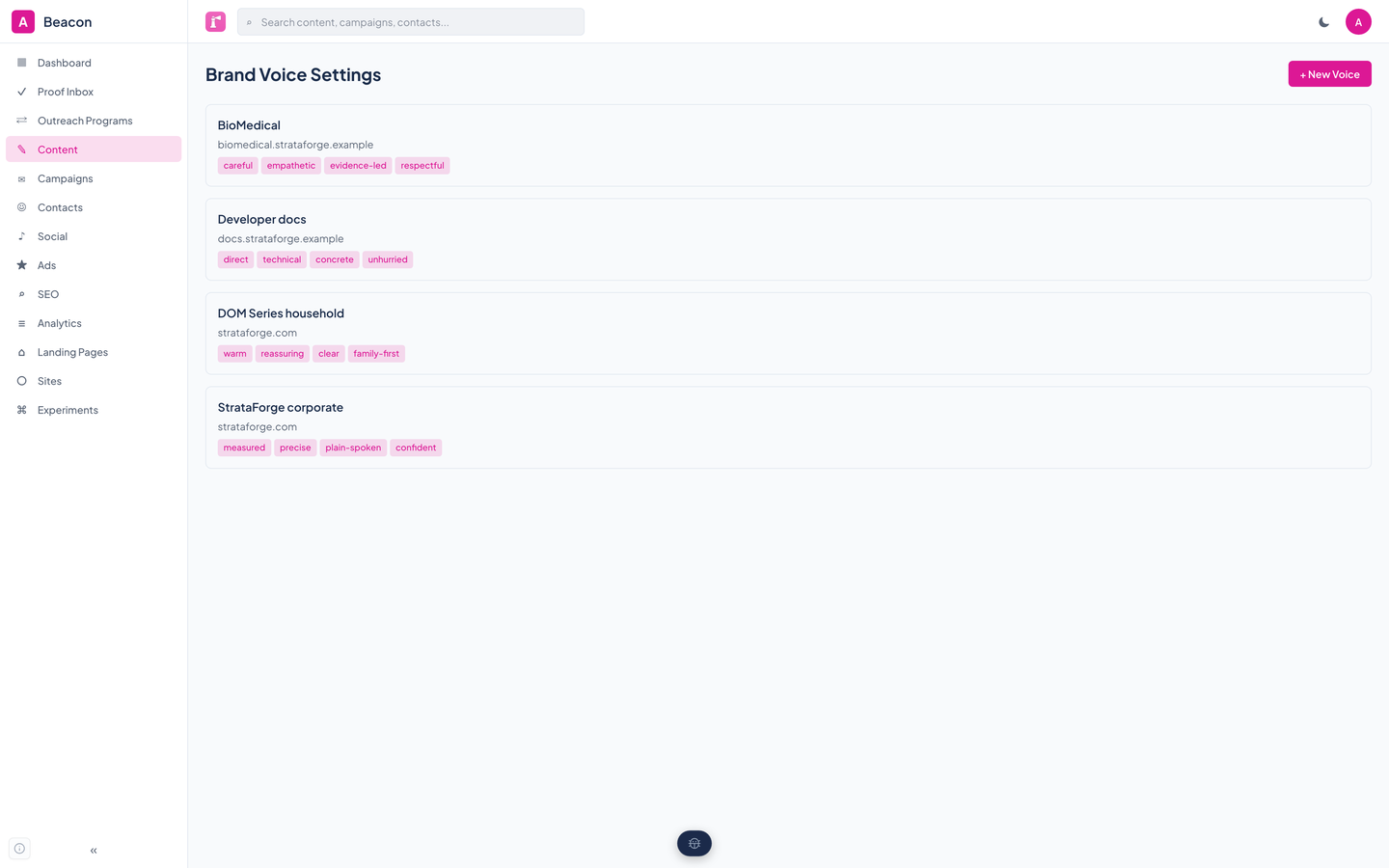
Beacon's brand voice settings with four profiles, each listing tone descriptors, words to use and avoid, and example snippets.Beacon's brand voice settings with four profiles, each listing tone descriptors, words to use and avoid, and example snippets.
Tone words, vocabulary to use and to avoid, and example copy for each property. These are folded into the prompt when Beacon drafts.